
Fortunately for you, there is a way to watch these premium channels for free on your current Gotv, Startimes, or any other digital decoder or digital tv. The key to accomplishing this is hidden, well, not really hidden, in the DTB firmware.
What is the DTB Firmware?
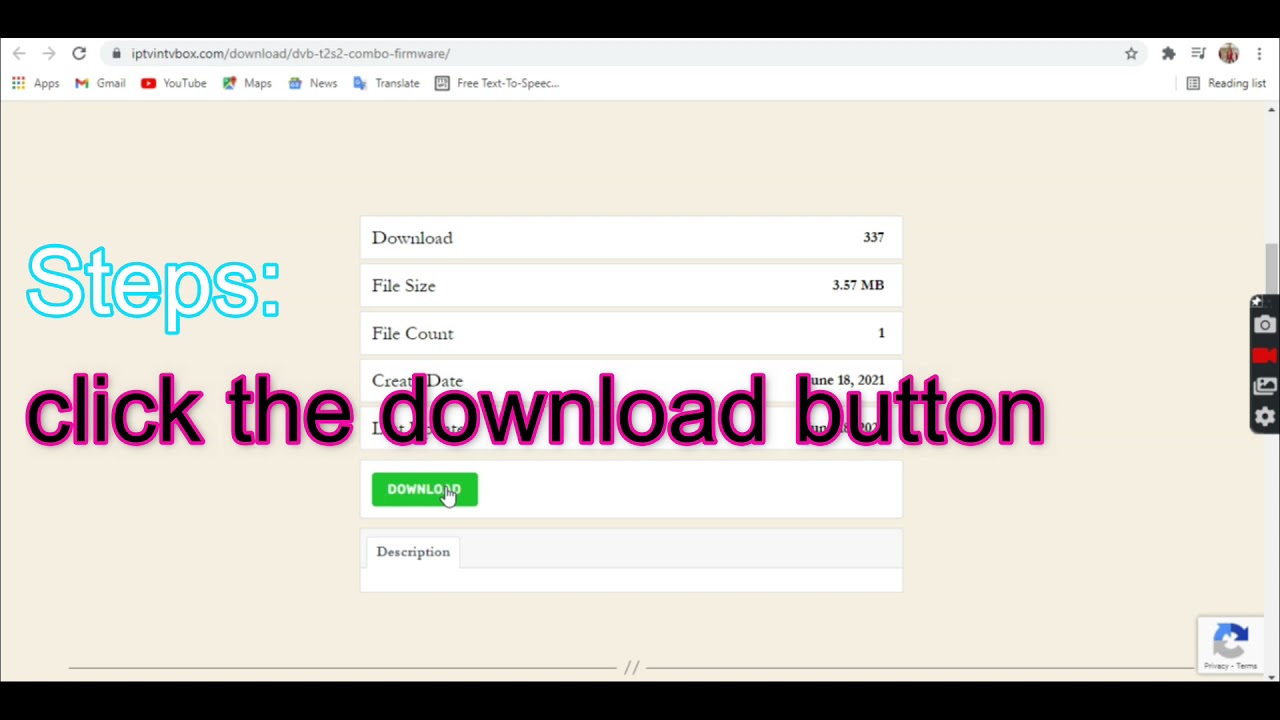
DTB firmware allows you to access premium channels on your decoder, and some of these channels are also available on DSTV. It's the same as installing new software on your decoder so your original service provider doesn't catch you'stealing.' Download the DTB firmware to your computer or phone, extract the zip folder, and then copy the.bin file to your flash disk or memory card. It will only be a few megabytes in size, so even a small capacity storage stick will suffice.
REQUIREMENTS
There are a few prerequisites for flashing the firmware on your decoder. Your decoder must include a USB port or a memory card slot. You'll then need the DTB firmware downloaded above, as well as a few remote-control skills, to go premium on your decoder for free.
Procedure;
Unlock DsTV and GoTV Decoders by following this procedure. Grab the remote and navigate to the settings while the memory stick or flash drive is in the decoder and the decoder is turned on. Navigate to the upgrade section and select the USB option. Confirm that you really want to upgrade from the USB storage. The upgrade procedure will be initiated. It will be finished in a few minutes. If you're concerned about the new upgrade, remember that you can always reset the decoder to factory settings if you don't want to keep paying.
- download the software link-https://mega.nz/file/O6AnWICL#o4gWgwi6BViPv0QmyC7v3Rh22Iuyl-zwz_FEEUEEkuM
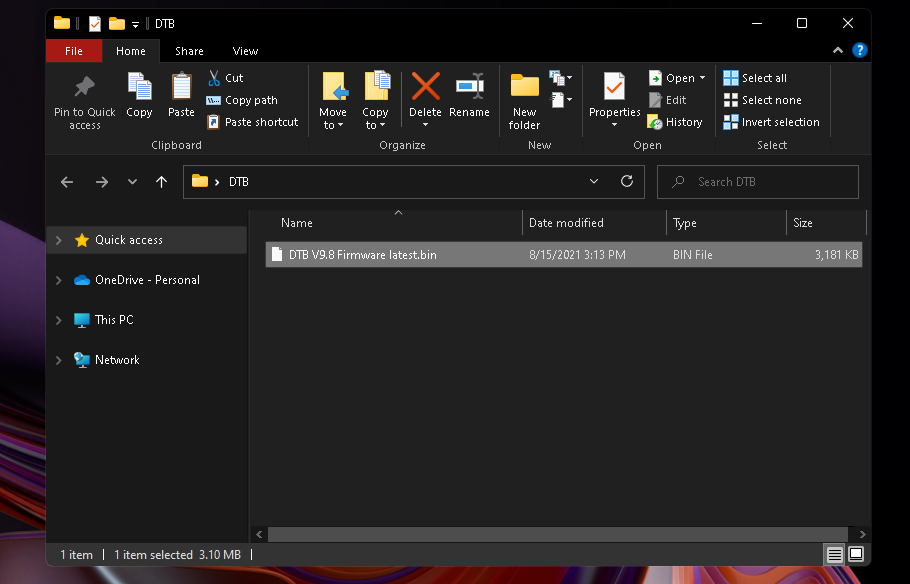
- Copy to flash( remember to unzip) and copy the .bin into the flash, it shouldnt be in a folder
- Insert the flash containing the DTB firmware into the decorder!!

- From your remote navigate to your settings and find the Software update option then choose update by USB

- the update should not take so long

- After this, turn off your decorder and on again the scan channels, you should have unscrambled channels ready to be watched!!

- enjoy!!!
Please keep in mind that some users have reported a 'no match file' error on some decorders. Here's how to make it right. Make sure to unzip the downloaded DTB firmware ZIP folder and only copy the.bin file in the folder to the flash drive you intend to use.
Completing the procedure
When the decoder notifies you that the upgrade is complete, turn it off and then back on. After that, run an automatic channel scan. You'll notice that you're not barred from watching any channels. You've just saved a lot of money on monthly payments for premium channels on your GoTv, Startimes, and other digital decoders. This method may also provide access to premium channels on digital television.
Link to download the firmware-https://mega.nz/file/O6AnWICL#o4gWgwi6BViPv0QmyC7v3Rh22Iuyl-zwz_FEEUEEkuM
Comments
Post a Comment